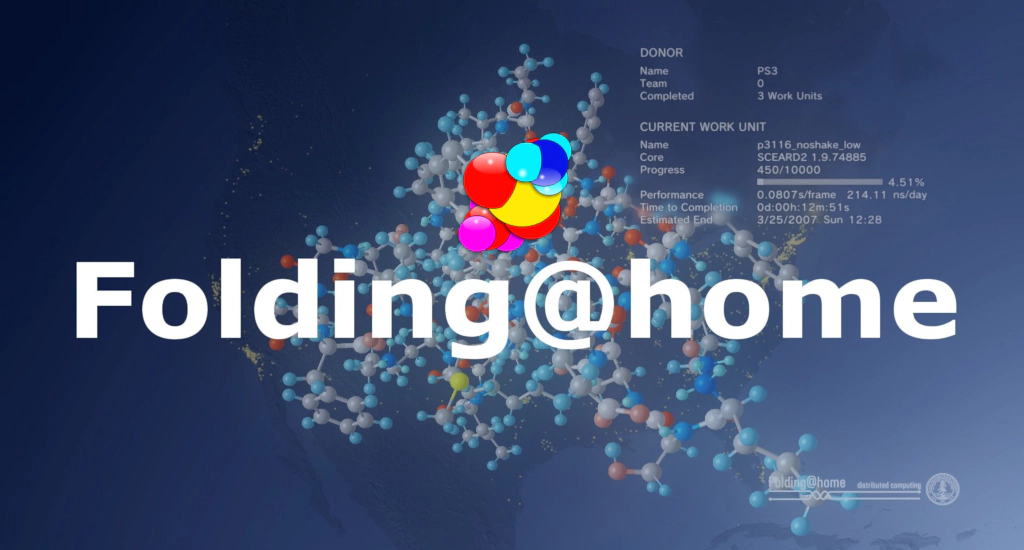
Folding@home is a distributed computing project that uses volunteers’ idle computer power to simulate protein folding and other molecular dynamics. It helps scientists understand diseases, design drugs, and accelerate medical research. Anyone can join by installing its client software on a PC or even certain smartphones.
What Is Folding@home?
Folding@home is a distributed-computing initiative based at Stanford University that lets anyone contribute spare CPU/GPU cycles to molecular-dynamics simulations .
The project harnesses thousands of volunteers’ computers worldwide to run simulations of protein folding, misfolding, and large-scale molecular dynamics. These simulations yield insights into diseases such as Alzheimer’s, cancer, and COVID-19, guiding drug design and therapeutic strategies. Volunteers download a lightweight application that runs in the background, automatically receiving and returning work units. Joining is free, simple, and makes you part of a global citizen-science effort.
Origins and Mission
- Launched in October 2000 by Dr. Vijay Pande’s lab at Stanford to explore protein folding, aggregation, and related diseases .
- Aims to map the “folding landscape” of proteins and understand misfolding that leads to illness.
How It Helps Science and Medicine
Proteins must fold into precise 3D shapes to function. Misfolded proteins can aggregate and cause diseases like Alzheimer’s, Parkinson’s, and Huntington’s . Folding@home simulates these processes at atomic resolution, revealing intermediate states and failure modes.
Simulations identify binding sites and conformational changes, guiding pharmaceutical design. During the COVID-19 pandemic, Folding@home ran one of the largest public-distributed computing efforts to model SARS-CoV-2 proteins, aiding antiviral development .
Results have led to hundreds of peer-reviewed papers on protein dynamics, enzyme mechanisms, and therapeutic targets .
Where are the results?
The data generated by Folding@home is automatically uploaded to the project’s servers after each completed work unit, where it is aggregated and analyzed by researchers. While raw simulation data is generally made available to researchers upon request, certain datasets, such as those related to COVID-19, have been publicly released and can be accessed through the COVID-19 Structure and Therapeutics Hub.
Additionally, summaries of scientific findings and peer-reviewed publications resulting from Folding@home simulations are available on the project’s Papers & Results and data pages.
How to Join Folding@home
- Visit the Website
Go to foldingathome.org. - Download and Install
Choose your platform (Windows, macOS, Linux) and install the client. - Configure Your Contribution
- Select computing power allocation (e.g., CPU vs. GPU).
- Optionally join a team or fold solo.
- Run the Software
The client automatically downloads work units, runs simulations, and returns results. - Monitor and Track
View your contributions—measured in “points”—and see global leaderboards.
Getting the Most Out of Your Contribution
- Use a GPU: GPUs can be 10×–100× faster than CPUs for molecular dynamics .
- Join a Team: Collaborate with friends, schools, or organizations.
- Stay Updated: Follow Folding@home’s blog for new projects and milestones.
Why Your Participation Matters
Running simulations using super computers is expensive and majority of research teams cannot affort such machines. Without them, scientists need to manually test or simplify said tests to the extreme to run in simpler computers, leading to worse results that take longer to get.
With projects like folding at home, this all changes. Every computer added increases simulation throughput, there are very low costs for the people running it, researches won’t need as big of a budget and everyone gets access to the data afterward.
By folding at home, you become part of a global research community advancing medicine and science.
Like my content? Support me with a tip!