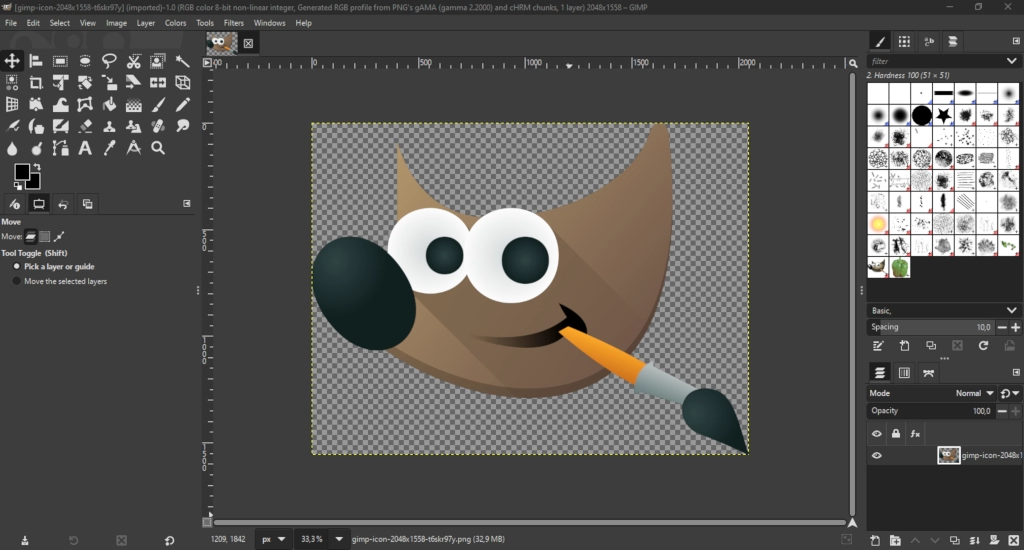
If you’re looking to extend GIMP’s capabilities and unleash its full potential, creating plugins is a great way to start. GIMP, the GNU Image Manipulation Program, allows for extensive customization and feature expansion through plugins.
These plugins are designed as separate processes that communicate with the GIMP core via the Procedural Database (PDB), ensuring that even if a plugin fails, the main GIMP application remains unaffected.
1) What you need
- C compiler and
gimptool(comes with GIMP developer packages). - GIMP development headers (babl, GEGL, libgimp).
- A text editor.
- Basic familiarity with GObject/Gtk is helpful but not strictly required.
2) Minimal anatomy of a C plug-in
- Include headers:
#include <libgimp/gimp.h>- Define a unique PDB name:
#define PLUG_IN_PROC "plug-in-yourname-demo-hello-world"- Create a GObject subclass derived from
GimpPlugIn. Implement class init to set:
query_procedures()— return a list of PDB names your plug-in implements.create_procedure()— build procedure metadata and wire therunfunction.
- Implement the
runfunction that does the actual work and returns aGimpValueArray *. - Add
GIMP_MAIN (YOUR_TYPE)to generatemain().
3) Compile & install
- Save your code (for example
c-hello-world.c). - Build with:
gimptool --build-noui c-hello-world.c- Create a folder for the plug-in executable:
Linux (typical):$XDG_CONFIG_HOME/GIMP/3.0/plug-ins/c-hello-world/
($XDG_CONFIG_HOME defaults to $HOME/.config)
Windows: %APPDATA%\GIMP\3.0\plug-ins\c-hello-world\
macOS: NSApplicationSupportDirectory/GIMP/3.0/c-hello-world/
- Put the compiled executable there, make sure it is executable, and restart GIMP.
4) Making it visible in GIMP (metadata)
Inside create_procedure() set:
gimp_procedure_set_menu_label()— friendly label shown in menus.gimp_procedure_add_menu_path()— e.g."<Image>/Filters/MyPlugins/".gimp_procedure_set_documentation()— short and long descriptions.gimp_procedure_set_attribution()— author and copyright.gimp_procedure_set_sensitivity_mask()— control when the menu item is enabled (no image, one layer, etc).
This makes your procedure appear in menus and Search Actions.
5) Example behavior: Hello World → text layer
A practical run flow for a plug-in that inserts a text layer:
- Check how many drawables were passed (0, 1 or more).
- If
>1, return aGIMP_PDB_CALLING_ERRORwith aGError. - If
1, verify the drawable is a layer. Compute insertionposition. - Create a text layer:
GimpTextLayer *text_layer = gimp_text_layer_new (image, "Hello World!",
    gimp_context_get_font(), 20.0, gimp_unit_pixel());
gimp_image_insert_layer (image, GIMP_LAYER (text_layer), parent, position);- Return success:
gimp_procedure_new_return_values (procedure, GIMP_PDB_SUCCESS, NULL);
Notes:
gimp_procedure_set_sensitivity_mask()only affects GUI sensitivity. Always validate inputs inrun, because procedures can be invoked programmatically.
6) Important concepts explained
- PDB name: unique identifier for scripts/procedures. Use a prefix to avoid collisions (e.g.
plug-in-<project>-...). - GObject boilerplate: you’ll see
G_DECLARE_FINAL_TYPEandG_DEFINE_TYPE. They declare/define your GObject subclass. - query_procedures(): return all procedure names your binary implements.
- create_procedure(): provide the metadata and associate the
runcallback. - GIMP_MAIN: macro that generates
main()and callsgimp_main()properly for your class.
7) Testing & debugging
- Use Search Actions (slash
/by default, or Help > Search and Run a Command) and search your procedure name or its menu label. - Check Procedure Browser (type
pdbin Search Actions) to inspect your registered procedure and arguments. - Use
gimp_message()for simple stdout-like debugging messages shown in GIMP. - If the plug-in crashes, GIMP core remains stable (plug-ins run as separate processes).
8) Next steps / tips
- For image filters consider writing a GEGL Operation instead. GEGL gives instant canvas previews and non-destructive usage.
- To add GUI elements use
libgimpui(GTK). The next tutorial after this typically covers that. - Read existing plug-in sources shipped with GIMP. They are a great learning source.
- When designing PDB names and APIs, think about backward compatibility if scripts may rely on them.
Like my content? Support me with a tip!