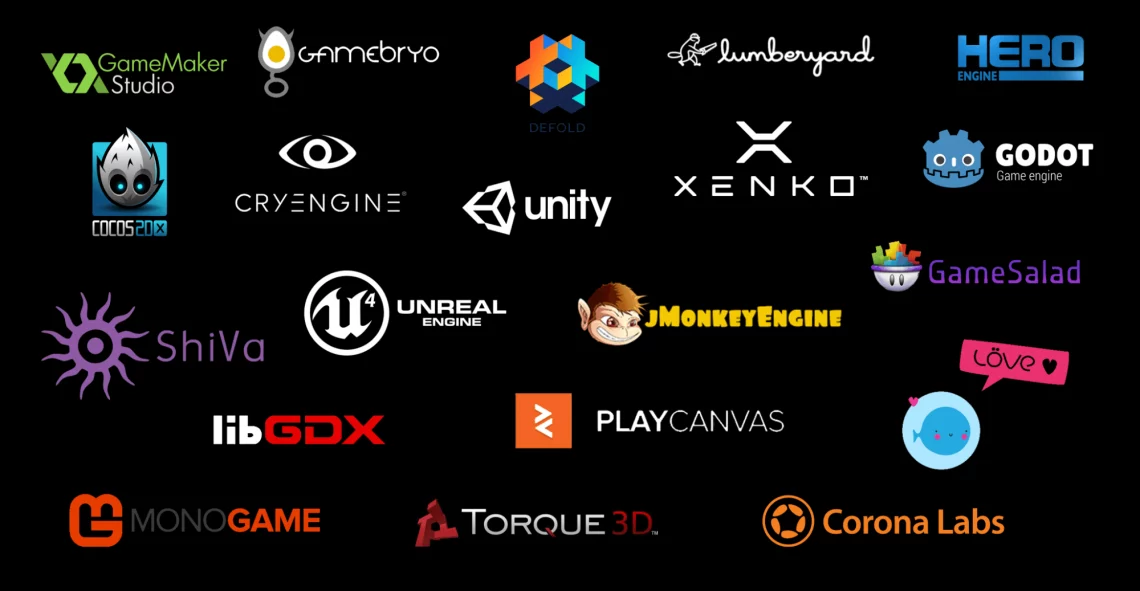
There’s an enormous amount of game engines in the market nowadays, and that makes the task of finding which one to use hard for new users. Which engine has the best tools? Which one provides best graphics? Which one is the easiest? In this article, we’ll go through some of the most popular options and check their pros and cons.
Unity
Unity is a cross-platform game engine available for Windows, Linux and MacOS. It can make 2D and 3D games and is particularly well suited for mobile, VR and web games. The engine is easy to use, with a visual scripting system that allows even non-programmers to create games. Unity also has a large community of developers who share resources and support each other and a really well written documentation.
Pros:
-Cross-platform support
-Good for both 2D and 3D
-Large and active community
-Easy to use, well documented
Cons:
-Can be slow and resource-intensive for larger, more complex games
-Some features may require additional plugins or paid add-ons
-Forces tracking software onto games
Unreal Engine
Unreal Engine is a powerful 3D game engine that has been used to create some of the most popular games on the market. The engine is great for large, high-end games and has a reputation for being easy to work with. Just like unity, unreal also has a large community of developers and lots of resources and support available.
Pros:
-Large and active community
-Good for large, high-end games
-Probably the best graphical options available
Cons:
-May be too complex for beginners
-Some features may require additional plugins or paid add-ons
GameMaker Studio
GameMaker Studio is a 2D game engine that is great for beginners. The engine is easy to use, with a drag-and-drop interface that makes it simple to create games, alongside a very easy programming language called GML. It also has a large community of developers and a wealth of resources and support available.
Pros:
-Good for 2D game development
-Easy to use, even for beginners
-Large and active community
Cons:
-Limited 3D options
-Some features may require additional plugins or paid add-ons
-Expensive
Defold
Defold is a Free 2D and 3D. open source game engine developed in C++ but that uses LUA for programming games. It is available for Windows, Linux and MacOS and can export to Windows, Linux, MacOS, HTML5, Android, iOS and Consoles. It has a sizeable community, dozens of resources and many tutorials to help beginners get up to speed.
Pros:
-Completely Free
-2D and 3D
-Supports many platforms
-Easy programming with Lua
Cons:
-A little difficult at first
-Not as much content out there as bigger engines
Godot
Godot is a popular open-source game engine that allow you to create 2D and 3D games. It exports to Windows, macOS, Linux, Android, iOS and HTML5, and is available for Windows, MacOS and Linux. In it, you are not required to know any programming language, being able to use visual scripting for everything, but if you choose, it has support for C and C++ and its own programming language called GDscript.
Pros:
-Free
-Supports multiple platforms
-Open-Source
Cons:
-Can’t export for Consoles
-Potentially steep learning curve
Construct
Construct is a 2D game engine that is well suited for beginners. The engine is easy to use, with a visual interface that makes it simple to create games. Construct also has a large community of developers and a wealth of resources and support available.
Pros:
Good for 2D game development
Easy to use, even for beginners
Large and active community
Cons:
Limited to 2D game development
Some features may require additional plugins or paid add-ons
RPG Maker MZ
RPG Maker MZ is specifically made for creating role-playing games (RPGs). It has a user-friendly interface and a large library of resources and assets. RPG Maker MZ is also designed to be accessible to beginners, making it an ideal engine for those just starting out in game development, but also allowing more advanced users to program their own systems using Javascript.
Pros:
-Specifically designed for RPG game development
-User-friendly interface and accessible to beginners
-Large library of resources and assets
Cons:
-Limited to RPG game development
-Some features may require additional plugins or paid add-ons
-Overused default graphical assets
In conclusion, each game engine has its own pros and cons. The best engine for your project will depend on your needs, goals, and experience level. It is important to consider your specific requirements and choose an engine that meets those needs. There is no one tool that fits all needs, but there’s always one tool that will fit one or more of them.
Like my content? Support me with a tip!