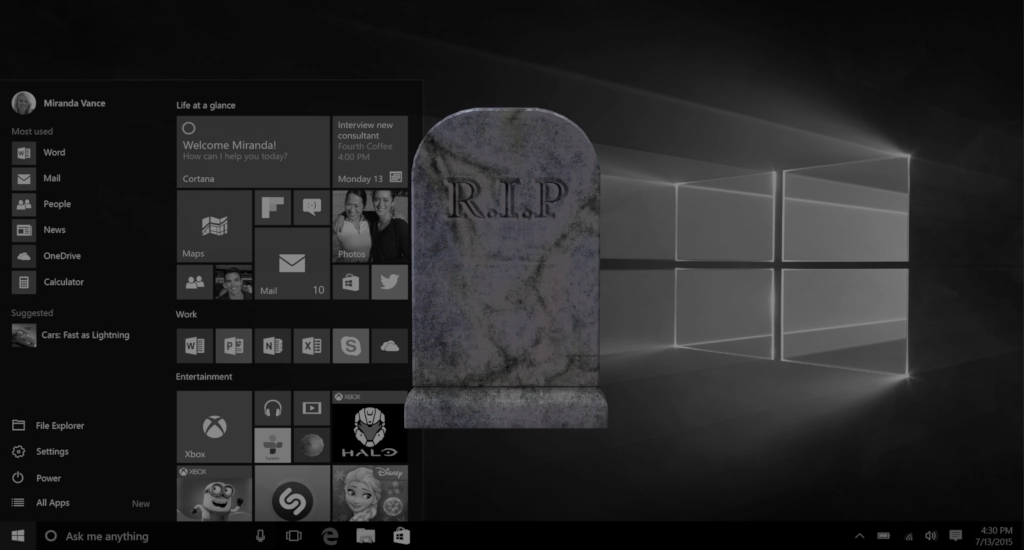
Windows 10 is dead. Microsoft won’t be updating it anymore, other than security patches for a small while, and so it’s recommended that everyone move away from it.
However, where to? As windows 11 still is a slow, buggy mess which won’t even run in most hardware, where should you even go? Well, while Microsoft was destroying windows, Linux started getting better day by day and, nowadays, even surpasses it in some things!
Here are 50 reasons why you should give Linux a try(and after it, my recomendations for what distribution to get):
- It’s free Most Linux distros are free to download and use.
- Better performance in games. Many games run faster on Linux than windows nowadays.
- Easier than ever. Distros have become extremely easy to use.
- You can try without installing. Use a Live USB to test Linux before installing.
- Stronger security by default. Linux has fewer common malware targets than Windows.
- Strong gaming support improving fast. Steam Proton and native games make gaming increasingly viable.
- Better privacy. Most distros don’t phone home with usage data.
- Less bloatware. Distros typically ship with minimal preinstalled programs.
- No forced updates during work. You control when updates run and install.
- You learn new useful skills. Basic Linux knowledge helps troubleshooting and administration.
- Longer life for old PCs. Linux runs well on older hardware that Windows slows down.
- Faster updates (and fewer restarts). Many changes install without constant reboots.
- Open-source software. You can inspect or trust many apps because the code is public.
- Huge free-software ecosystem. Office, image editors, media players — usually free and capable.
- Multiple desktop choices. Pick an interface you like (simple, classic, modern).
- Lightweight distros exist. Tiny distributions for very old or low-RAM machines.
- Package managers simplify installs. One tool installs, updates, and removes apps cleanly.
- Centralized software repositories. You get apps from a curated, safer source.
- Less fragmentation from random installers. No hunting random EXE files and installers.
- Reliable system snapshots/backups. Some distros let you roll back a broken update easily.
- Powerful terminal when you need it. But you don’t have to use it for day-to-day tasks.
- Strong community support. Forums and tutorials often help beginners quickly.
- Fast reinstall process. Reinstalling or switching distributions is straightforward.
- Customizable look & behavior. Change menus, themes, fonts, and workflows easily.
- Less frequent forced feature removals. Distros won’t suddenly remove core features.
- Great for multitasking and workstations. Virtual desktops and window management are excellent.
- Better package version control. You can choose stable or cutting-edge software channels.
- Good compatibility with servers. Same OS family as many web and cloud servers.
- Improved battery life on laptops (sometimes). Lightweight desktops can save power.
- Smaller updates available. Patches typically download less data than Windows feature upgrades.
- You can run Windows apps. Wine, Proton, and virtual machines can run many Windows programs.
- Excellent media and photo tools. Plenty of free, powerful editors are available.
- Flexible file systems. You can pick file systems with better performance or reliability.
- Stronger server and networking tools. Built-in utilities help power users and admins.
- Lots of privacy tools available. Ad blockers, trackers blockers, and network controls are available.
- No vendor lock-in. You can move files and settings between distros freely.
- Frequent security updates. Critical fixes often arrive faster than on consumer OSes.
- Ideal for experimentation. Safely try new workflows without risking your main system.
- Friendly for dual-booting. You can keep Windows and test Linux without losing data.
- Excellent recovery tools. Live USBs let you repair systems or rescue files.
- Lower chance of ransomware disasters. While not immune, Linux is a less common ransomware target.
- Good hardware support for many devices. Printers, cameras, and USB drives often “just work.”
- Active releases and long-term support options. Choose stable LTS or cutting-edge rolling release models.
- No forced account linking. You usually don’t need a vendor account to use the OS.
- Creative control over updates and privacy. Advanced settings are accessible but optional.
- Great virtualization support. Run other OSes inside Linux easily for specific apps.
- Light on background services. Fewer background processes mean more free memory and CPU.
- Many distros target beginners. Some are designed to be as easy as Windows.
- You control default apps. Pick the mail, browser, and media players you prefer.
- Community translations and accessibility. Many distros support multiple languages and accessibility tools.
Which Distro to pick?
There are probably hundreds of Linux distributions, so it might look hard to pick one, but there are 2 very popular ones that should satisfy majority of users: Linux Mint and Bazzite.
Linux Mint is a more general purpose, looks similar to Windows 7 but a little nicer, its super light weight and focused on being beginner friendly.
Bazzite also tries to be beginner friendly, but its focus is games. It comes with multiple game launchers, latest drivers for all GPUs and tools that will help in gaming.
In my opinion, beginners should pick from one of those and start from there. Any questions, ask below, the forums or the distro’s community!
Like my content? Support me with a tip!